Device Compatibility Center
Check if your TV or mobile device is supported, compare our top recommendations for the best viewing experience, and find installation guides.
Device Support Overview
Verified support status for all major entertainment hardware.
Verified for 2025 Updates
Fully Supported
Optimized Experience
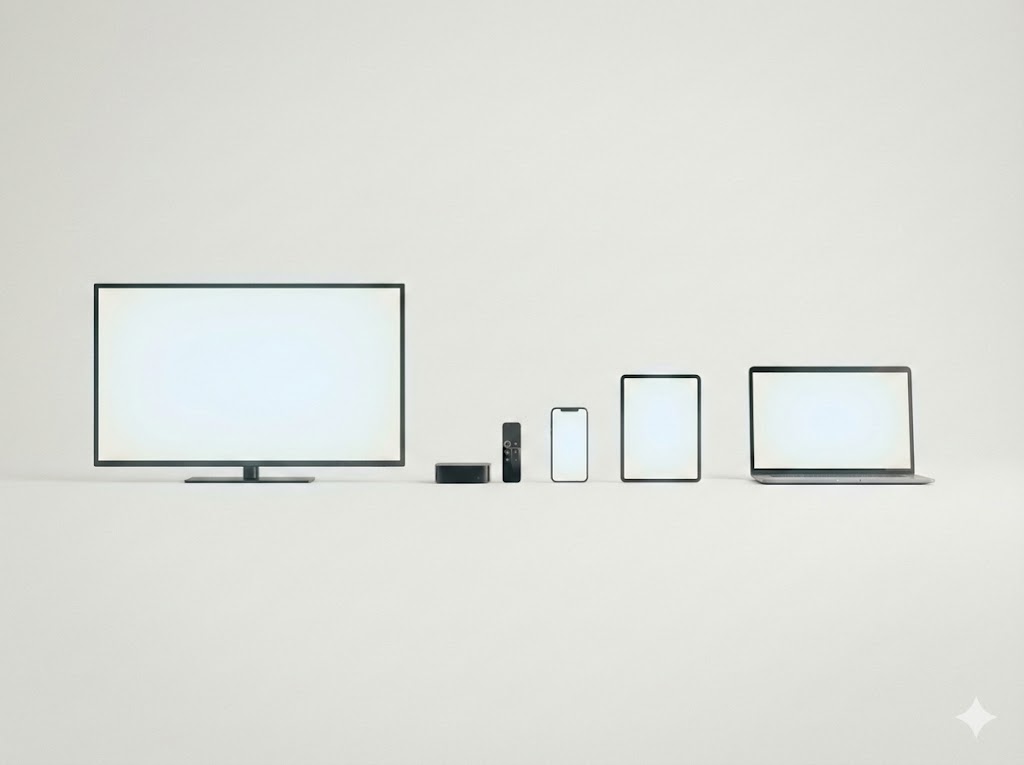
Android TV & Google TV
OS 9.0 and above (Sony, Xiaomi, etc.)
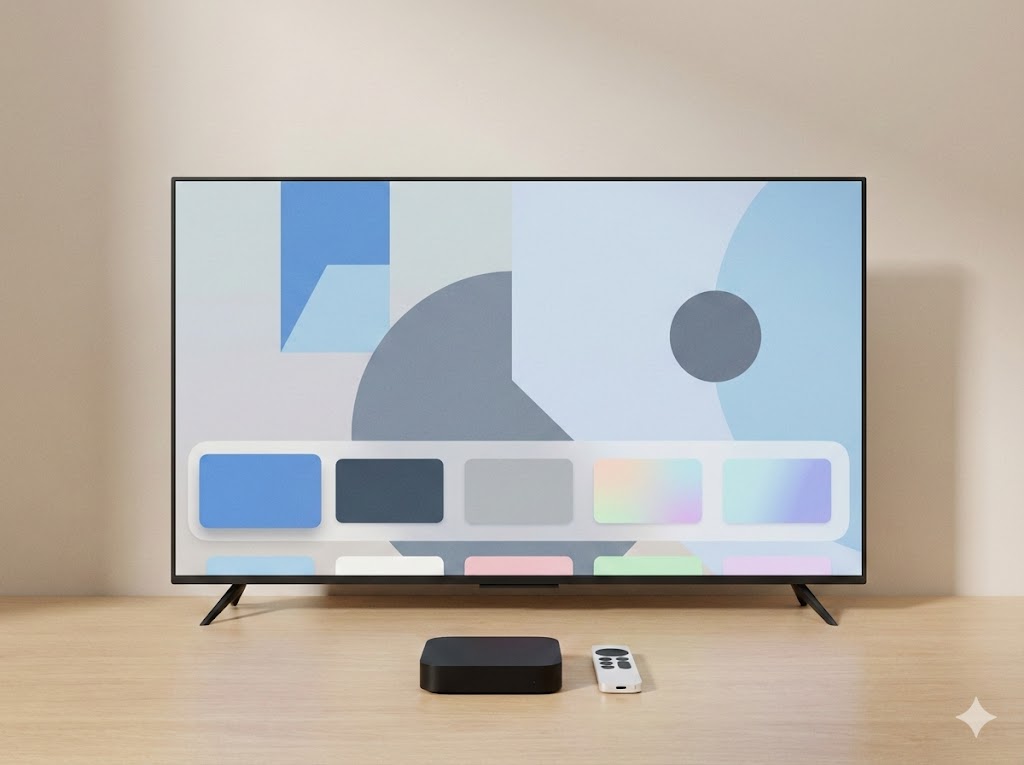
Apple TV
tvOS 13.0 and above (HD & 4K models)
Mobile & Tablets
iOS 12+ and Android 8+
Not Supported Currently
Incompatible OS
LG TV
WebOS is not supported
Older Samsung Smart TV
Pre-2018 models (Tizen 3.0 or older)
Huawei Devices
HarmonyOS (No Google Play Services)
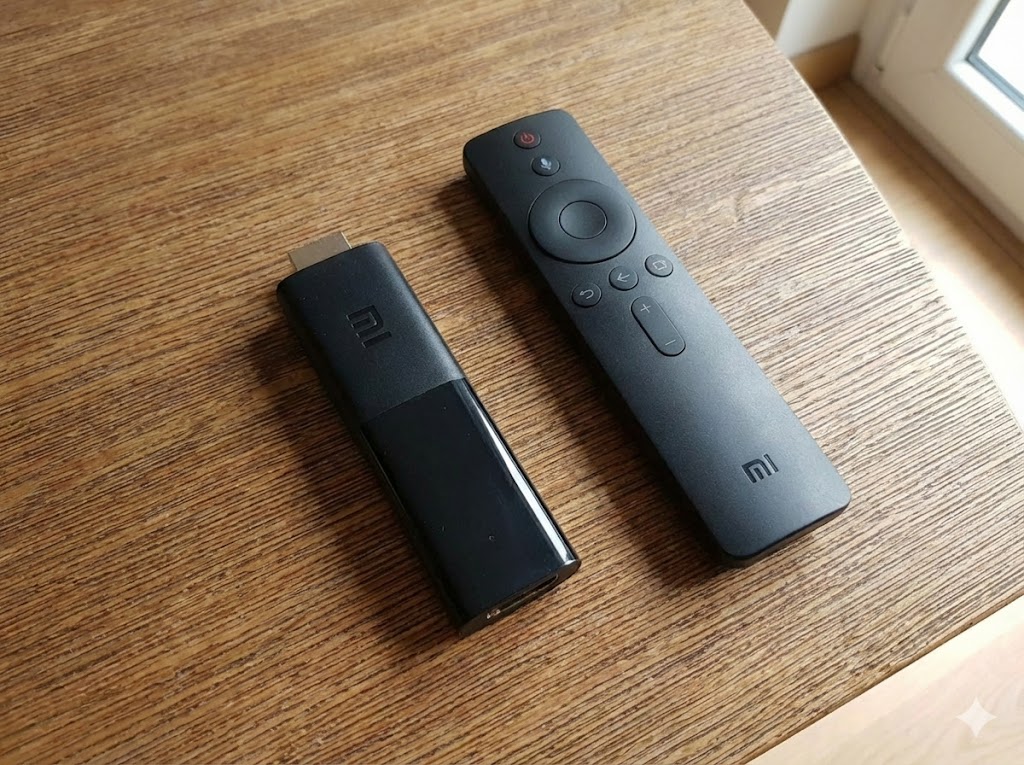
Pro Tip: If your TV isn't supported, simply plug in a Xiaomi Box or Stick to upgrade instantly!
Detailed Compatibility
If your device meets the minimum OS requirement, Durioo+ should work even if your exact model isn’t listed.
tv
Android TV / Google TV
OS 9.0 and above
expand_more
Android TV / Google TV
OS 9.0 and abovePopular Compatible Devices:
- Xiaomi Smart TV
- Xiaomi Mi Box S & TV Stick
- Chromecast with Google TV (4K & HD)
- TCL Android TVs
- Hisense Android TVs
- Any Google Certified TV/Box
desktop_mac
Apple TV
tvOS 13.0 and above
expand_more
Apple TV
tvOS 13.0 and aboveSupported Models:
- Apple TV 4K (3rd Gen)
- Apple TV 4K (2nd Gen)
- Apple TV 4K (1st Gen)
- Apple TV HD (4th Gen)
smartphone
Mobile (iOS & Android)
iOS 12+ / Android 8+
expand_more
Mobile (iOS & Android)
iOS 12+ / Android 8+iOS / iPadOS
iPhone 6s or later, iPad Air 2 or later, iPad mini 4 or later running iOS 12+.
Android
Most devices from Samsung, Pixel, Xiaomi, Oppo, Vivo released after 2017 (Android 8+).
Which device should you pick?
Buying a new device? Here's our honest comparison of the three main ways to watch Durioo+ on the big screen.
Android Sticks
The cheapest and most portable way to upgrade any old HDMI TV.

Android Boxes
Our #1 recommendation. Smooth interface, ethernet port, and 4K ready.

Smart TV
Perfect if you're buying a new TV. No extra cables or remotes needed.
Recommended Models 2025
List of validated hardware for the best Durioo+ experience.
Xiaomi TV Box S (3rd Gen)
Release: 2025
- Resolution4K UHD (60fps)
- Storage32GB
- PriceRM239
How to Download
Get the Durioo+ app on all your favorite devices in just a few taps.
Android TV / Google TV
- 1. On your TV, open the Google Play Store.
- 2. Go to Search icon and type "Durioo+".
- 3. Select the app icon (Orange/White D).
- 4. Click Install and wait for it to finish.
Apple TV
- 1. Wake your Apple TV and open the App Store.
- 2. Navigate to the Search tab.
- 3. Type "Durioo+" using the remote.
- 4. Click the Get (cloud) button to download.
Mobile / Tablet
- 1. Open App Store (iOS) or Play Store (Android).
- 2. Search for "Durioo+".
- 3. Tap Install/Get.