Durioo+ Device Compatibility
Updated Guide

Device Compatibility Center

Check if your TV or mobile device is supported, compare our top recommendations for the best viewing experience, and find installation guides.


1

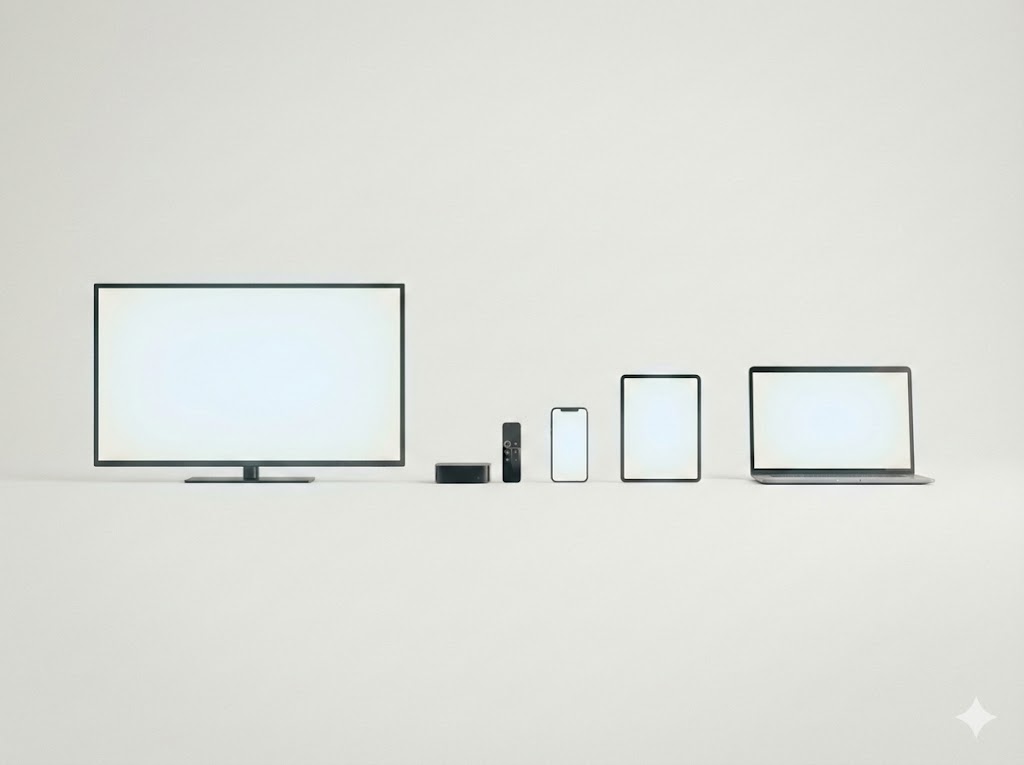
Device Support Overview

check

Supported Devices

  • tv
    Android TV & Google TV OS 9.0 and above (Sony, TCL, Xiaomi, etc.)
  • desktop_mac
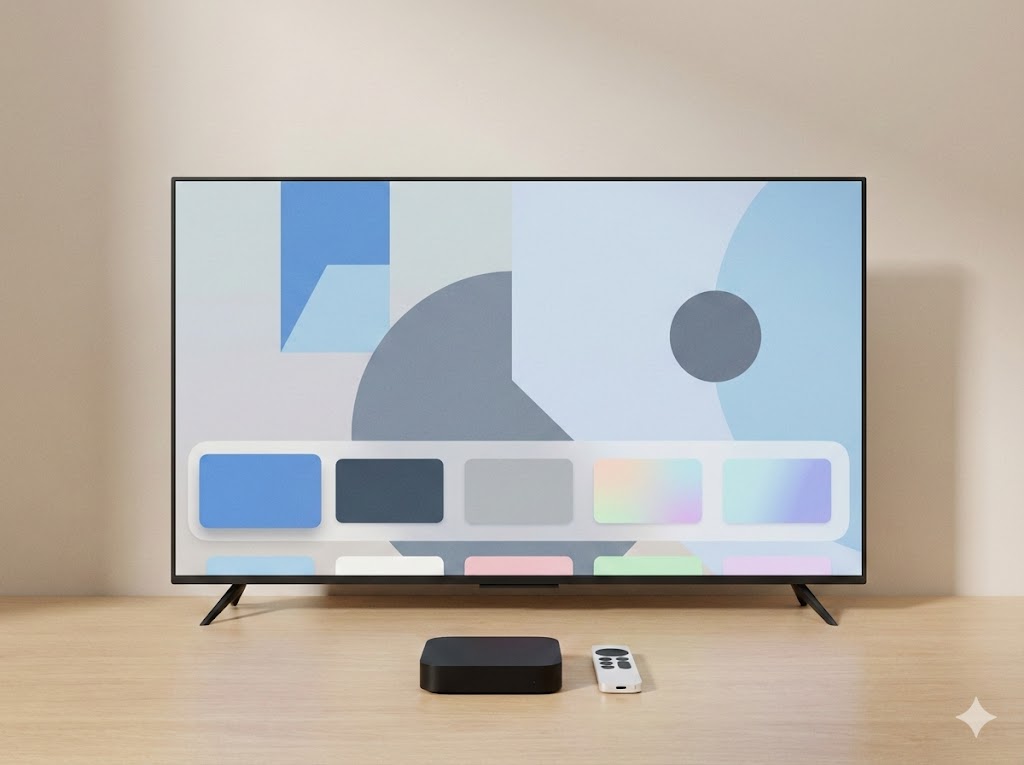
    Apple TV tvOS 13.0 and above (HD & 4K models)
  • smartphone
    Mobile & Tablets iOS 12+ and Android 8+
  • settings_remote
    Roku TV All Roku TVs & Streaming Players
  • local_fire_department
    Amazon Fire TV & Stick Fire OS 6 and above
  • connected_tv
    Selected Samsung TV 2018 models and newer (Tizen OS)
  • cast
    Chromecast Chromecast with Google TV (HD/4K)
close

Not Supported Currently

  • block
    LG TV WebOS is not supported
  • block
    Older Samsung Smart TV Pre-2018 models (Tizen 3.0 or older)
  • block
    Huawei Devices HarmonyOS (No Google Play Services)
  • block
    Game Consoles PlayStation, Xbox, Nintendo Switch

Detailed Compatibility

info

If your device meets the minimum OS requirement, Durioo+ should work even if your exact model isn’t listed.

tv

Android TV / Google TV

OS 9.0 and above
expand_more

Popular Compatible Devices:

  • Xiaomi Smart TV
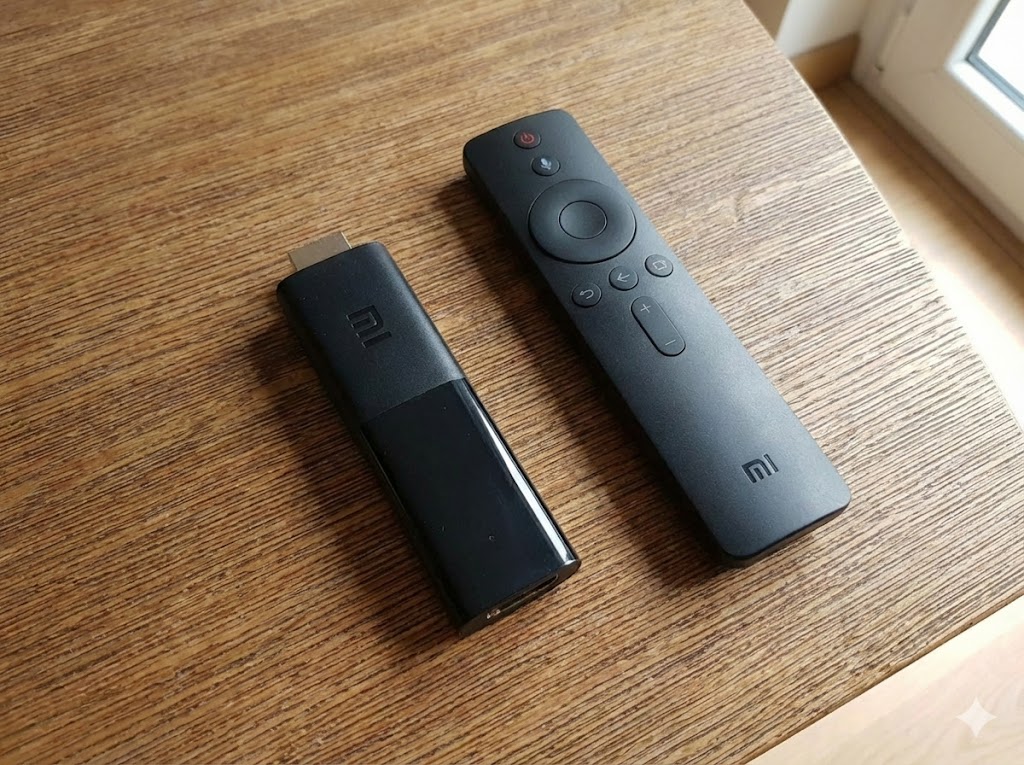
  • Xiaomi Mi Box S & TV Stick
  • Chromecast with Google TV (4K & HD)
  • TCL Android TVs
  • Hisense Android TVs
  • Any Google Certified Smart TV, Box and Sticks
desktop_mac

Apple TV

tvOS 13.0 and above
expand_more

Supported Models:

  • Apple TV 4K (3rd Gen)
  • Apple TV 4K (2nd Gen)
  • Apple TV 4K (1st Gen)
  • Apple TV HD (4th Gen)
smartphone

Mobile (iOS & Android)

iOS 12+ / Android 8+
expand_more

iOS / iPadOS

iPhone 6s or later, iPad Air 2 or later, iPad mini 4 or later running iOS 12+.

Android

Most devices from Samsung, Pixel, Xiaomi, Oppo, Vivo released after 2017 (Android 8+).


2

Device Recommendations

Not sure which device to buy? Compare the pros and cons of Sticks, Boxes, and Smart TVs to find the perfect match for your home setup.
Recommended Models

Top Pick

Xiaomi TV Box S (3rd Gen)

Release: 2025

PriceRM239
Resolution4K UHD (60fps)
Storage32GB
Buy Now

Xiaomi TV Box S (2nd Gen)

Release: 2024

PriceRM199
Resolution4K UHD (60fps)
Storage8GB
Buy Now

Google TV Streamer 4K

Release: 2024

PriceRM420
Resolution4K UHD (60fps)
Storage32GB
Buy Now

3

How to Download

tv

Android TV / Google TV

  1. On your TV, open the Google Play Store.
  2. Go to Search icon and type "Durioo+".
  3. Select the app icon (Orange/White D).
  4. Click Install and wait for it to finish.
  5. Open the app and Log In.
desktop_mac

Apple TV

  1. Wake your Apple TV and open the App Store.
  2. Navigate to the Search tab.
  3. Type "Durioo+" using the remote.
  4. Click the Get (cloud) button to download.
  5. Launch app from the home screen.
smartphone

Mobile / Tablet

  1. Open App Store (iOS) or Play Store (Android).
  2. Search for "Durioo+".
  3. Tap Install/Get.

4

Frequently Asked Questions

help
Can I watch on multiple devices at the same time?
expand_more
Yes! Your Durioo+ subscription allows you to log in on multiple devices. Depending on your plan, you can stream on up to 3 screens simultaneously. This means the kids can watch on the TV while you browse on your tablet.
tv_off
My Smart TV is not listed. Can I still watch?
expand_more
If your TV uses an unsupported OS (like older Samsung Tizen pre-2018 or LG WebOS), we highly recommend purchasing an affordable Android Stick or box. This is often cheaper than buying a new TV and provides a better experience. Alternatively, you can cast content from your mobile device if your TV supports casting.
update
How do I update the Durioo+ app?
expand_more
Most devices update apps automatically. To manually update, visit the Google Play Store (Android TV) or App Store (Apple TV), search for "Durioo+", and select "Update" if available. Keeping your app updated ensures you have the latest features and bug fixes.
download_for_offline
Can I download episodes to watch offline?
expand_more
Offline viewing is exclusively available on our Mobile and Tablet apps (iOS and Android). You can download your favorite shows to your device and watch them anywhere without an internet connection. This feature is not currently available on TV apps.
error
I can't find the Durioo+ app in the store. Why?
expand_more
If you can't find the app, your device's operating system might be outdated. Durioo+ requires Android 8.0+ or tvOS 13.0+. Please check your device settings for a system update. If your device cannot be updated to meet these requirements, it may not be supported.